Personal Project - 2026
Apple 1 Emulator
A faithful recreation of the 1976 Apple 1 computer - the machine that started Apple. Cycle-accurate 6502 emulation, the original Woz Monitor, Integer BASIC, and an iconic green phosphor CRT display.
Try it
Run it in your browser
The full emulator running live via WebAssembly. Type commands at the \ prompt, or click BASIC to start programming.
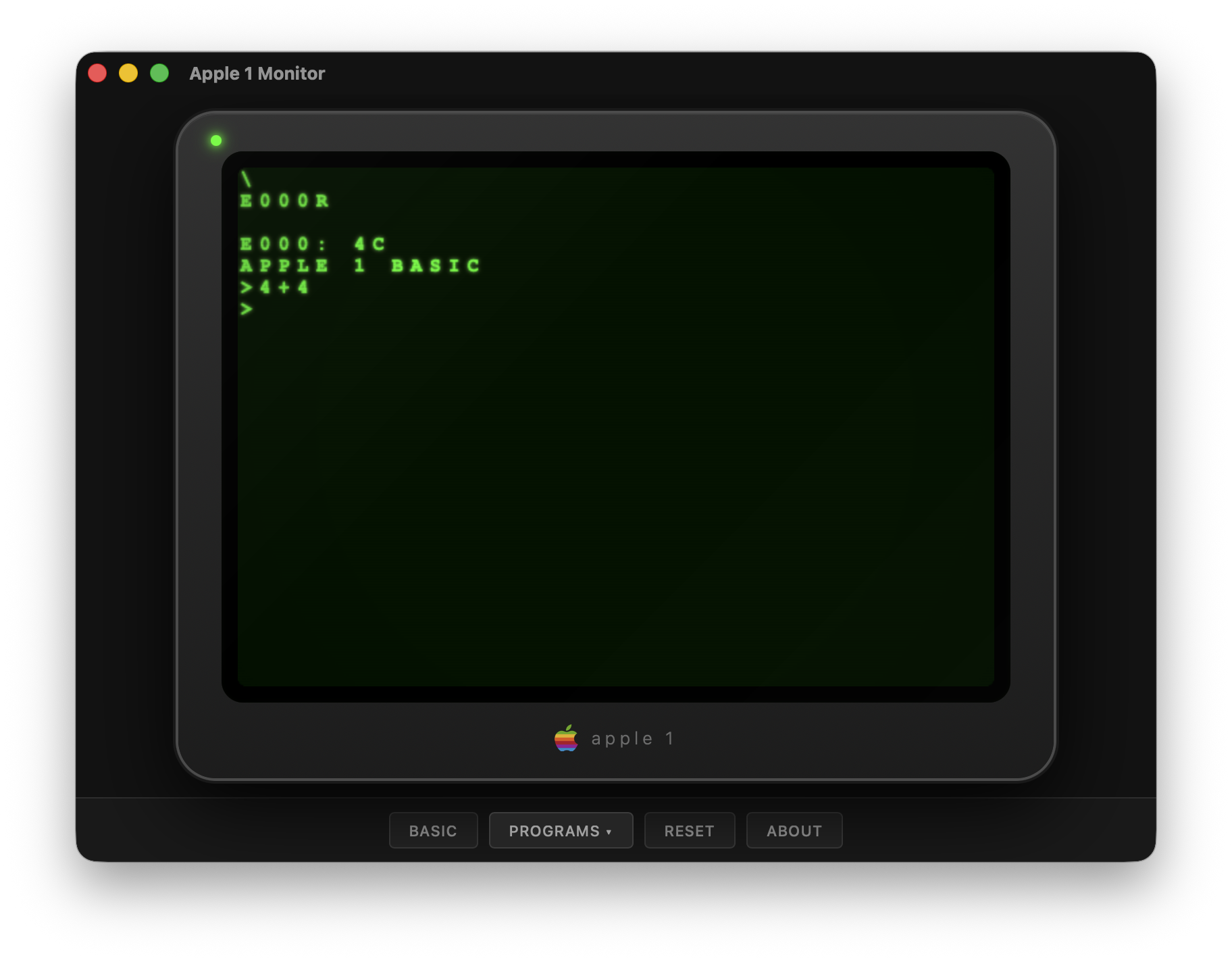
The native macOS desktop app with CRT phosphor rendering and bezel styling.
Overview
The machine that started a revolution,
faithfully rebuilt in code.
Only ~200 Apple 1 computers were ever built. This emulator recreates the experience of using one - from the blinking cursor of the Woz Monitor to the warmth of a green phosphor CRT - with a native macOS desktop app built on Tauri and a terminal interface for purists.
The emulator core is written entirely in C with zero external dependencies. Every one of the 151 official MOS 6502 opcodes is implemented with correct cycle timing. A custom Integer BASIC interpreter provides the same BASIC programming experience users had in 1976.
Language
C17 + Rust
CPU
MOS 6502
Tests
220
Dependencies
Zero
Code
~5,000 LoC
Platform
macOS
Zero external dependencies. 220 automated tests."
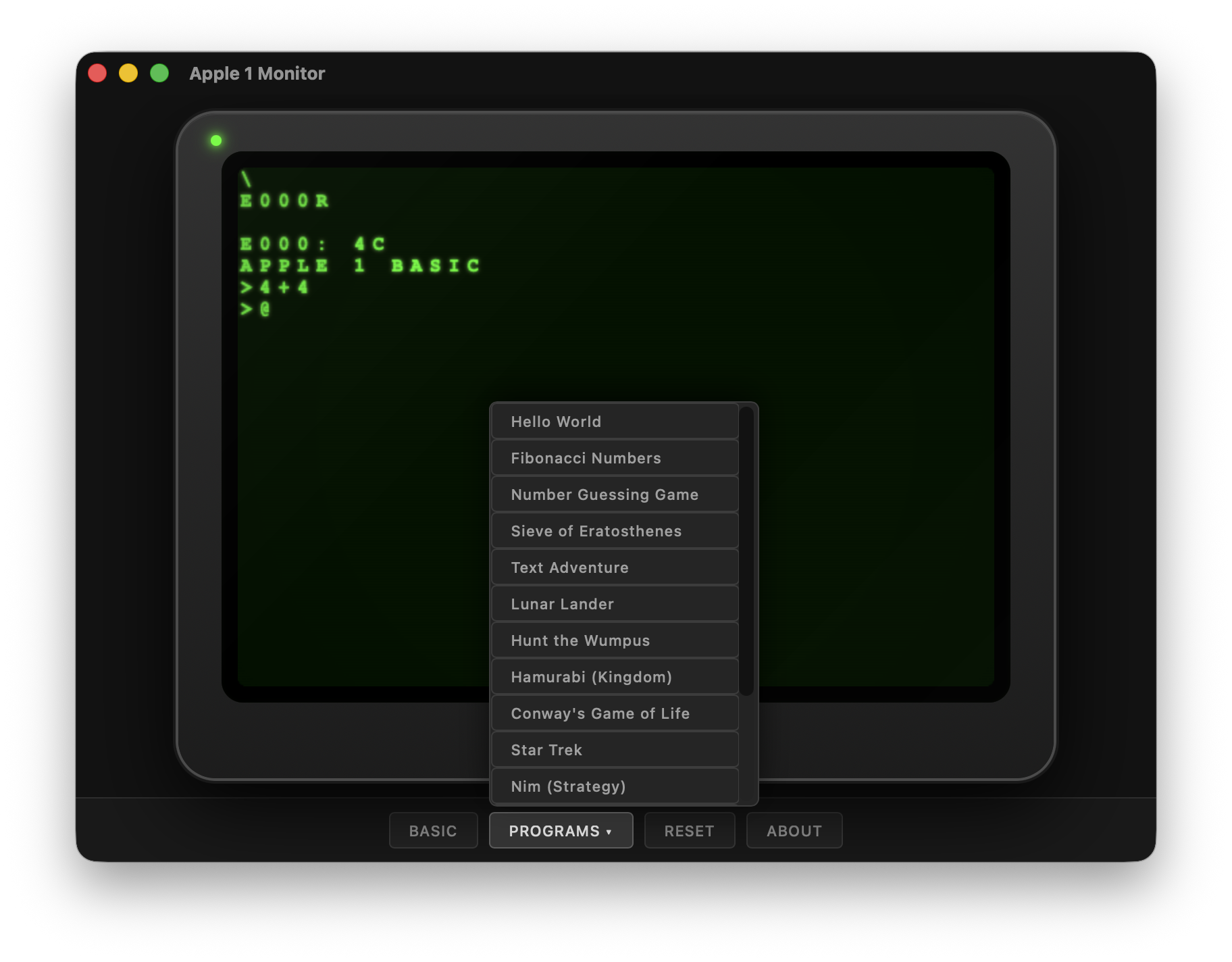
Programs menu - 11 built-in demos from Wumpus to Star Trek
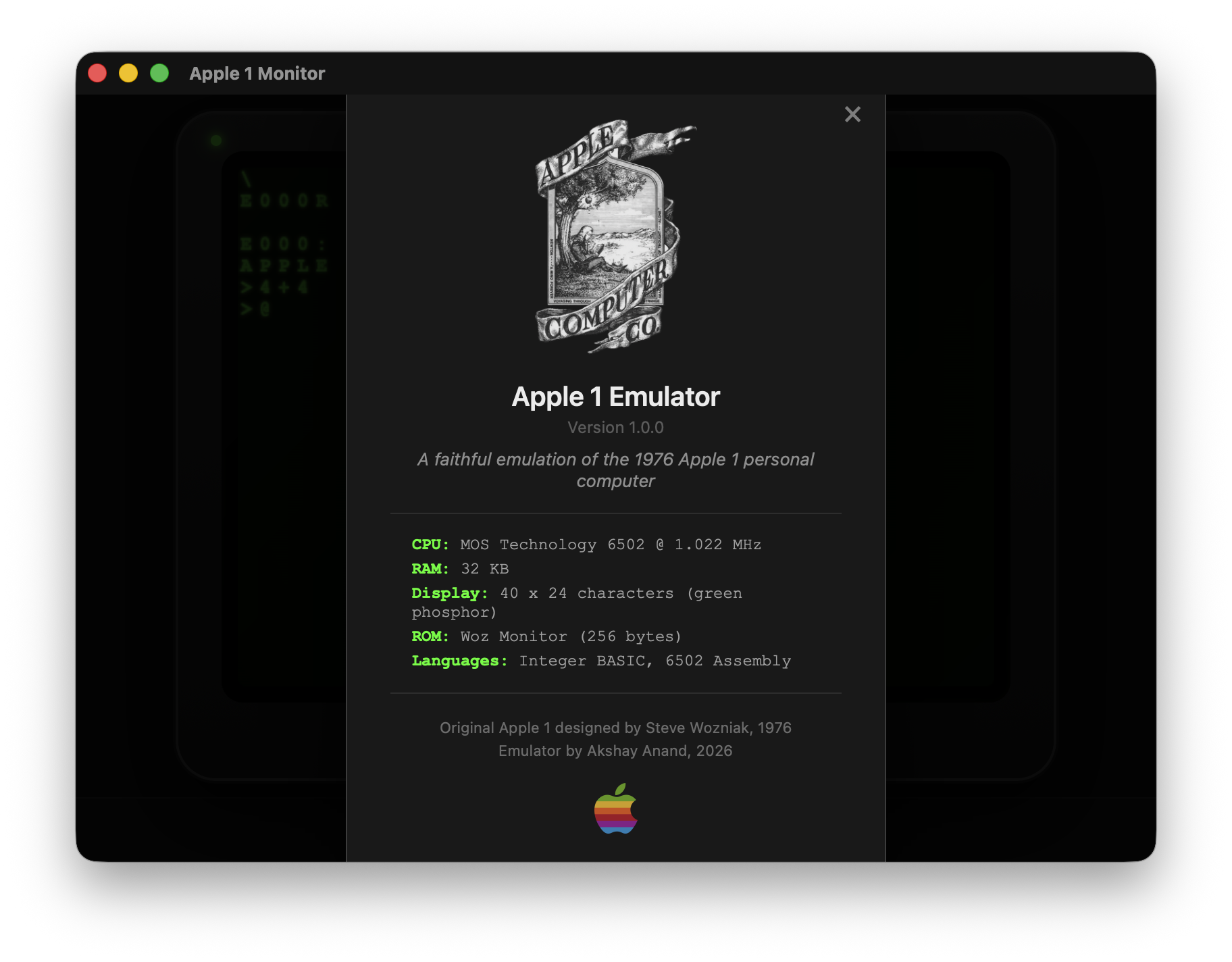
About dialog - MOS 6502 @ 1.022 MHz, 32KB RAM
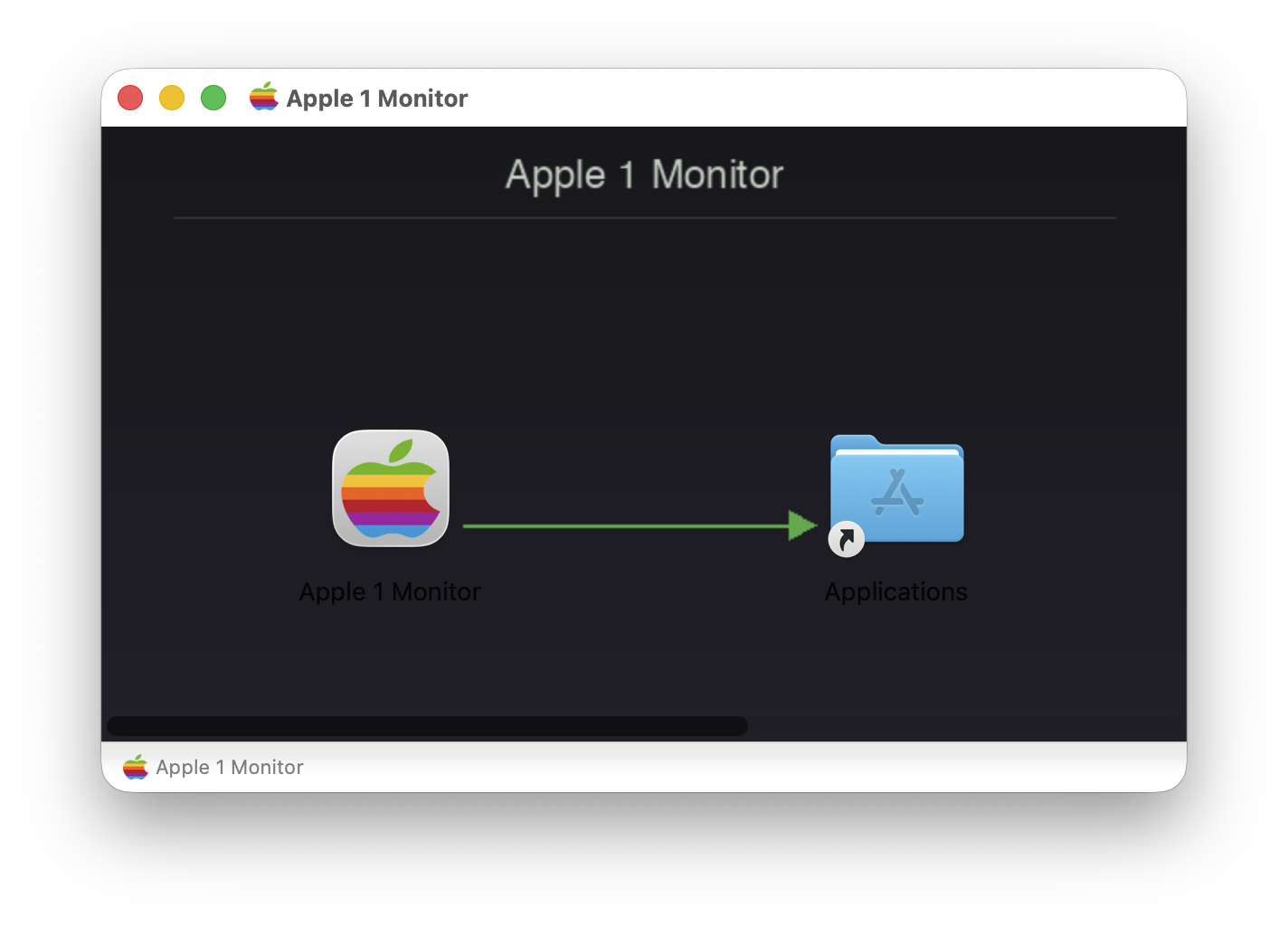
macOS DMG installer - drag to Applications and go.
Architecture
Clean separation of concerns
The emulator is structured as a library core with pluggable frontends. The C core handles CPU emulation, memory mapping, PIA I/O, and ROM management. Display and input are decoupled through callbacks, allowing the same core to drive both a terminal (ncurses) and a native desktop app (Tauri).
Features
Everything you'd expect -
and things you wouldn't.
Cycle-Accurate CPU
All 151 official 6502 opcodes with BCD arithmetic, interrupts, and correct page-crossing penalties.
Integer BASIC
Variables, arrays, strings, FOR/NEXT, GOSUB, IF/THEN, PEEK/POKE - the same BASIC from 1976.
CRT Phosphor Display
Green glow, scanlines, vignette, and character fade - just like the Apple Monitor II.
Native macOS App
Tauri desktop app with a bezel UI, rainbow Apple logo, toolbar, and DMG installer.
15 Demo Programs
Wumpus, Star Trek, Lunar Lander, Nim, Calendar, Fibonacci, and more - loaded with one click.
Mini-Assembler
Interactive 6502 assembly with labels and directives, right in the monitor.
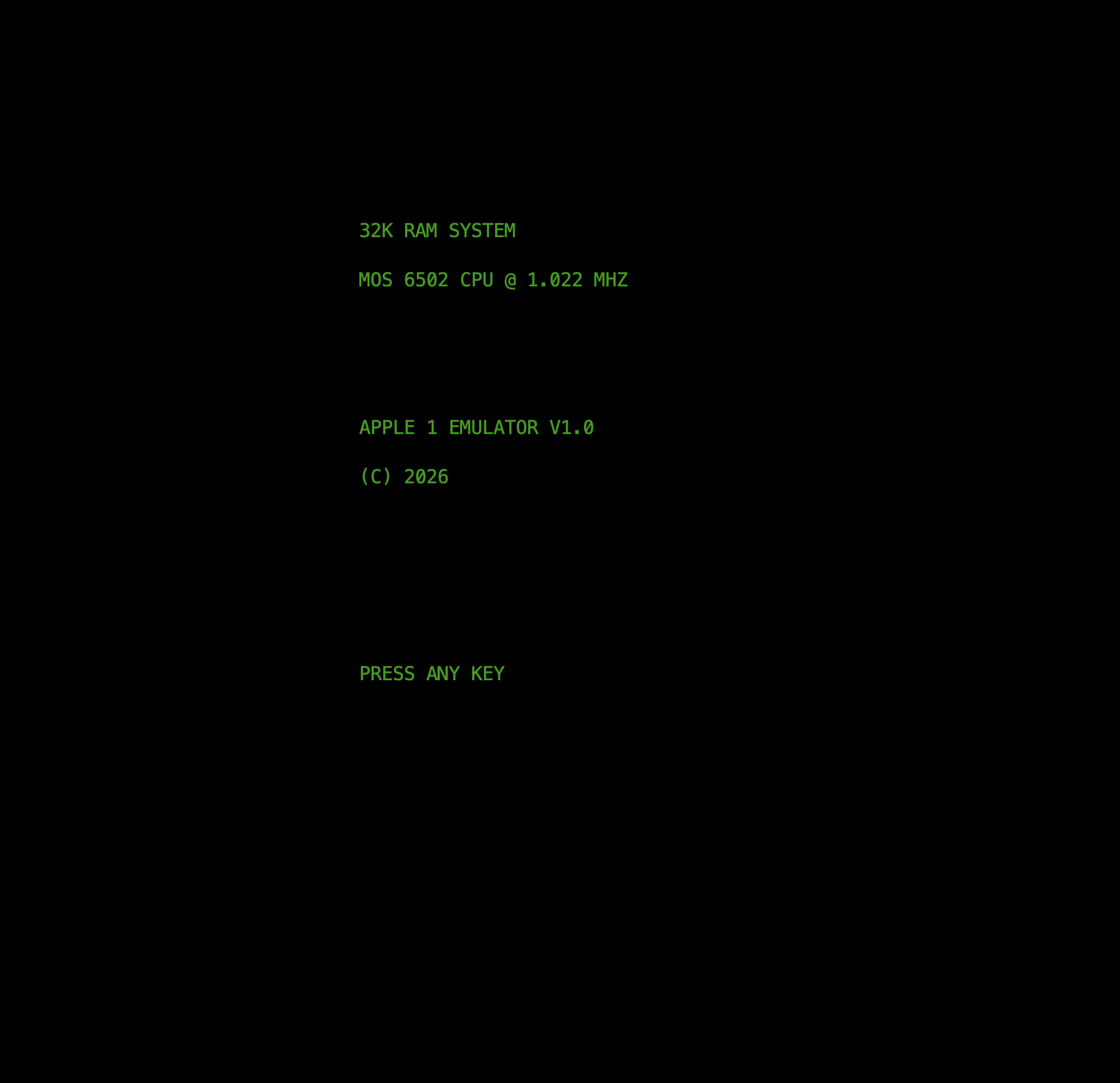
The terminal emulator - 32K RAM, MOS 6502 @ 1.022 MHz. Press any key.
Decisions
Key technical choices
BASIC as C interpreter, not 6502 code - Rather than disassemble the original 8KB ROM (legal gray area), a compatible BASIC interpreter was written in C that traps when PC hits $E000. Identical user-facing behavior, fully original code.
Function pointer dispatch - Each opcode has a function pointer in a 256-entry table. No giant switch statement. Benchmarks faster on modern CPUs due to branch prediction patterns.
PIA display callback - The PIA triggers a callback on character write to $D012, cleanly separating emulation core from rendering.
Cooperative BASIC execution - One statement per frame keeps the UI responsive without threading.